Summarize any PDF - with every claim cited to its page
Most AI summarizers hand you a wall of text you have to trust. CruxDoc's summaries cite the exact page behind every point, and each citation is verified against the document before you see it. So checking a claim takes one click, not a re-read.
Drop a document to get started
PDF, Word, PowerPoint, text, images, audio or video. Up to 20 MB and 50 pages. No account needed for your first one.
Processing continues if you close the tab.
Without an account: 1 document, up to 50 pages, kept for 24 hours. Sign up any time and it comes with you.
How it works
Upload the PDF
Textbook chapter, research paper, case study, or a scan. No account needed for the first one.
Ask for what you need
A chapter summary, the key arguments, definitions, or the methodology. Phrased your way.
Check anything in one click
Every point carries a page citation; clicking it opens that exact page with the passage highlighted.
Why cited summaries beat plain ones
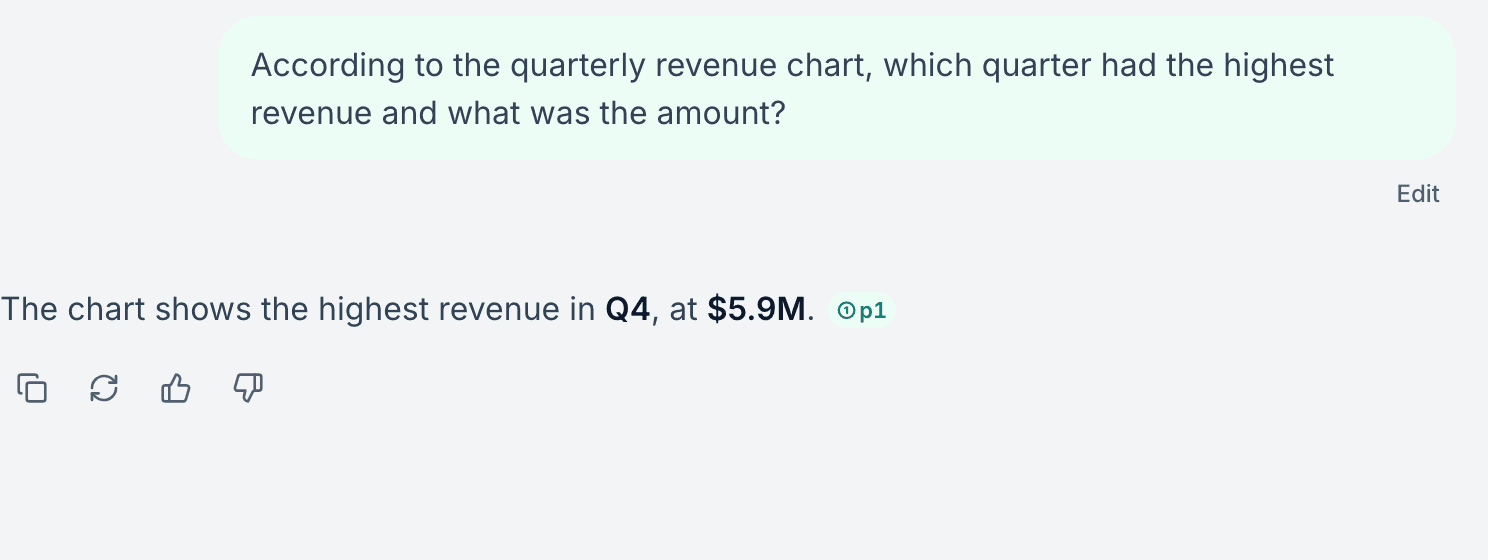
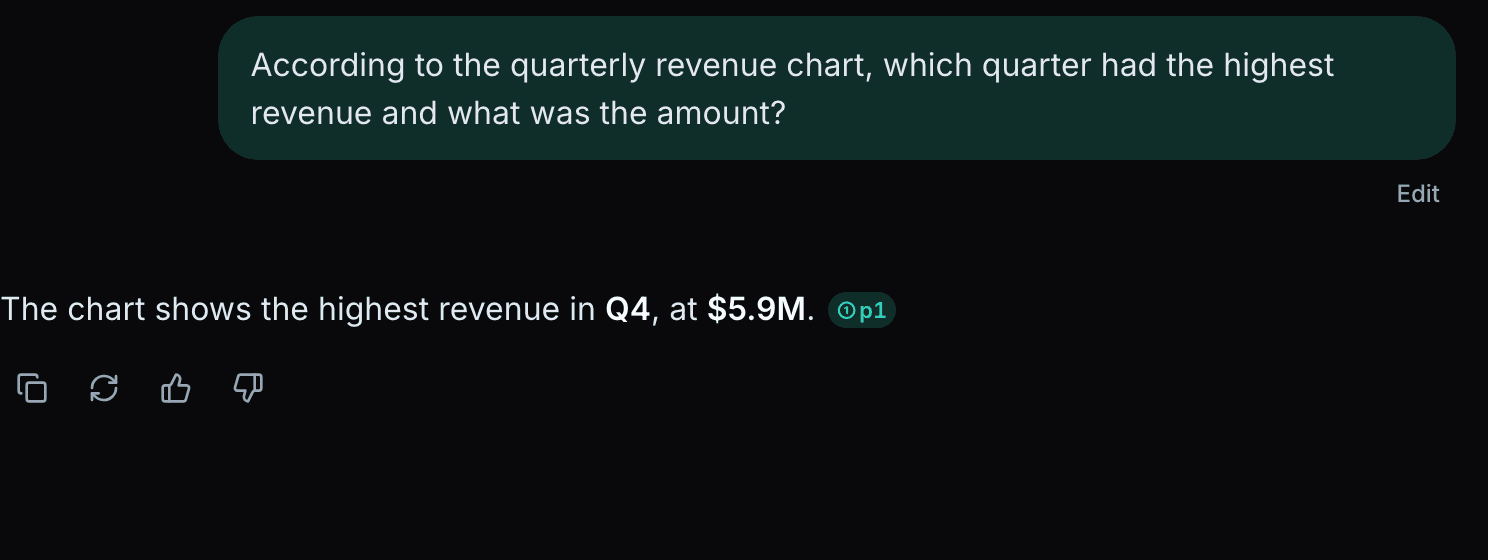
A summary you cannot verify is a liability in an exam or a paper. CruxDoc treats the citation as the product: the server string-matches every quoted passage against the document's actual text, and a citation that fails the check is never rendered as one. This is a real answer to a real upload, chip included.
After the summary, the same document is ready for the rest of studying: follow-up questions, an exam-mode quiz, or flashcards with spaced repetition.
Frequently asked questions
Q.01Is the AI PDF summarizer free?
Yes. Your first document needs no account at all. A free account raises the limits to 10 documents of up to 1,000 pages each and 100 questions a month.
Q.02Can it summarize scanned PDFs or handwritten notes?
Scanned PDFs, yes. Pages without a text layer go through OCR automatically, and the reader marks OCR-read pages so you know to double-check them against the scan. Clean printed scans work well; handwriting is hit-and-miss.
Q.03How long a PDF can it handle?
Up to 50 pages without an account, and up to 1,000 pages per document on the free plan. Long documents are indexed page by page, so answers stay anchored to specific pages instead of averaging the whole file.
Q.04Does it make things up?
Every quoted citation is checked against the source text on the server before it reaches you. A quote that does not actually exist in your PDF is not shown as a citation. Summaries link each claim to its page so verifying takes one click.
Q.05Does it work for textbooks and research papers?
Yes, that is the main use. Ask for a chapter summary, key definitions, or the argument of a paper, then follow up with questions. Figures and charts on the retrieved pages are read visually, not just their captions.
Summarize a PDF now
Drop a document to get started
PDF, Word, PowerPoint, text, images, audio or video. Up to 20 MB and 50 pages. Free. No account needed for your first one.
Processing continues if you close the tab.
No account needed for your first document.